Add your photo
Before you take your photo
These photos are refused for an ID photo:

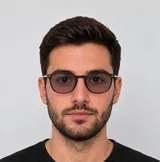
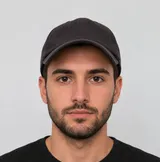

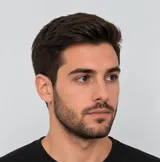
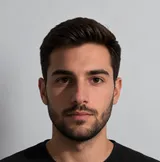
- No headphones or earbuds
- Nobody else in the photo, no hand in front of the face
- No closed eyes, no looking away
Camera permission denied
You have refused camera access. To take a selfie, please press allow when your browser asks again.
quickfileai.com wants to use your camera
Allow while visiting the site
Allow this time
Never allow
When you tap "OK, I understand", the permission popup will appear again. Choose "Allow".
Photo guidelines
Follow these tips to get an accepted photo.
How to get ready
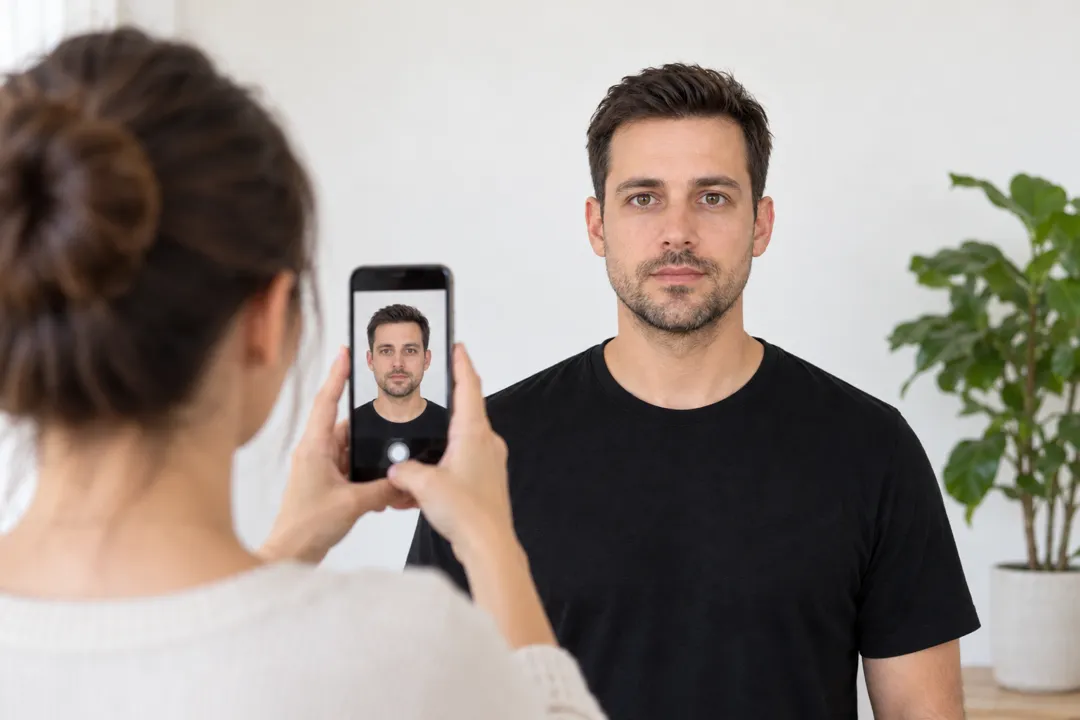 1
Camera distance
Take the photo from at least 40 cm (16 in) away from your face. Ideally, have someone else take it for you.
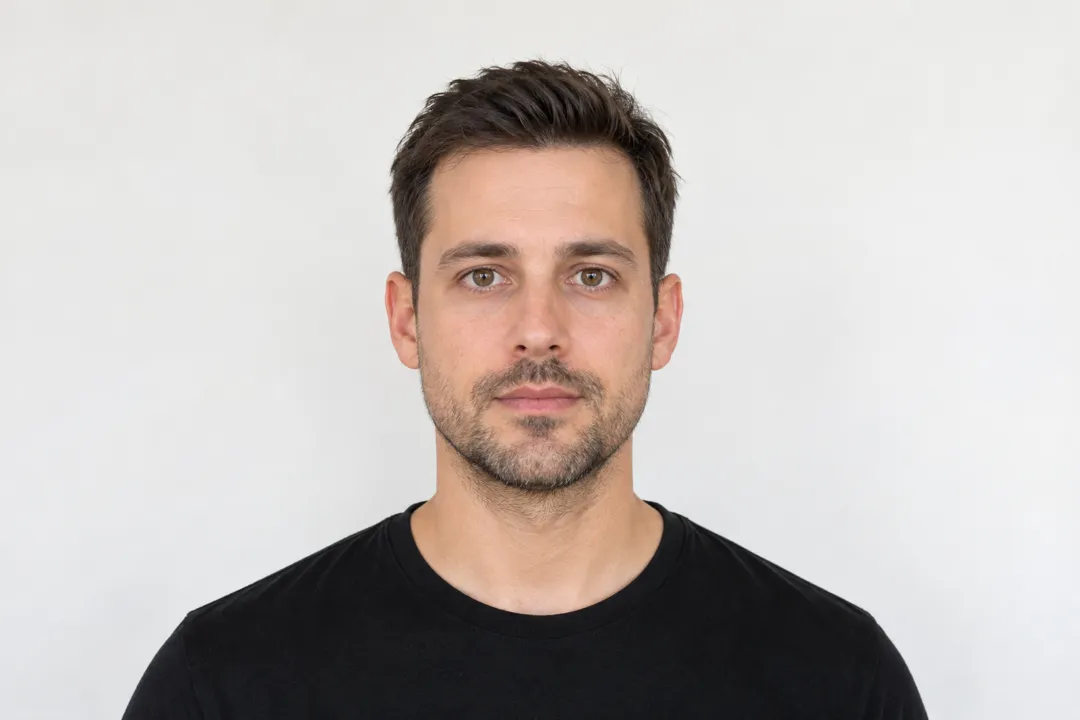 2
Face the camera
Position your face in front of the lens and keep a neutral expression. Hold the camera at face level.
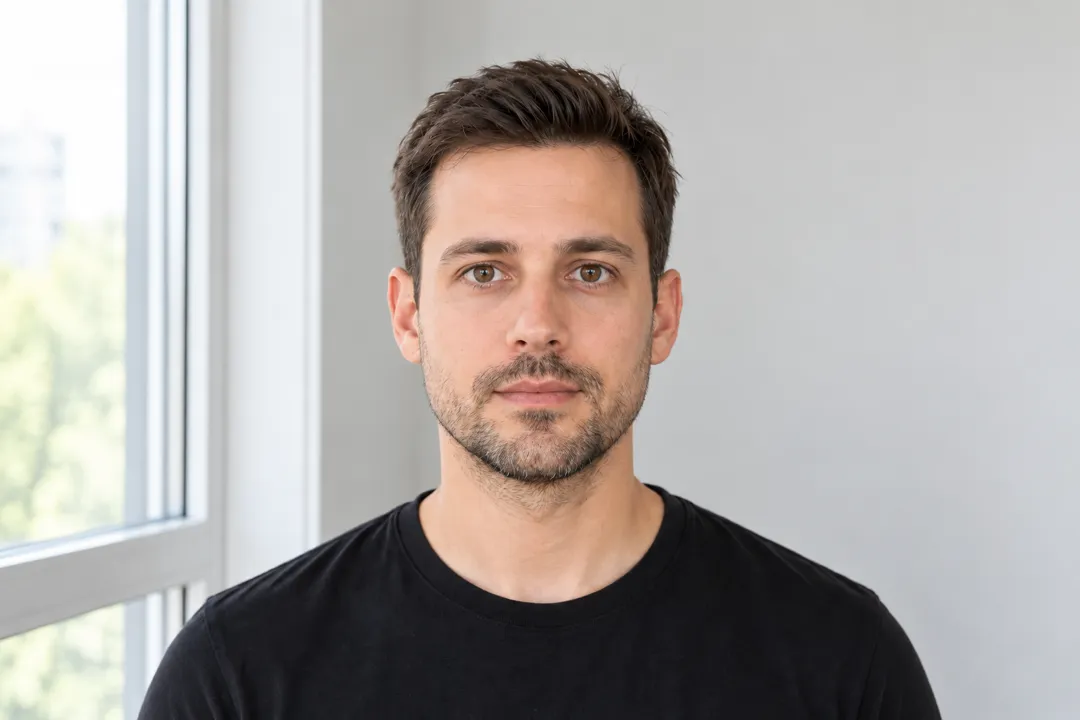 3
Even lighting
Face a light source, such as an open window, and use a plain light background.